01
Capture precisely
Select an area or a full display at Retina resolution.
Capture anything on your Mac, explain it with arrows or blur, then save it locally, share through Vikneo Cloud, or use your own server.
Vikneo removes the small, repetitive steps between spotting something on screen and sending a clear explanation.
Select an area or a full display at Retina resolution.
Add an arrow, a note, a shape, highlight, or blur before anyone has to ask what you meant.
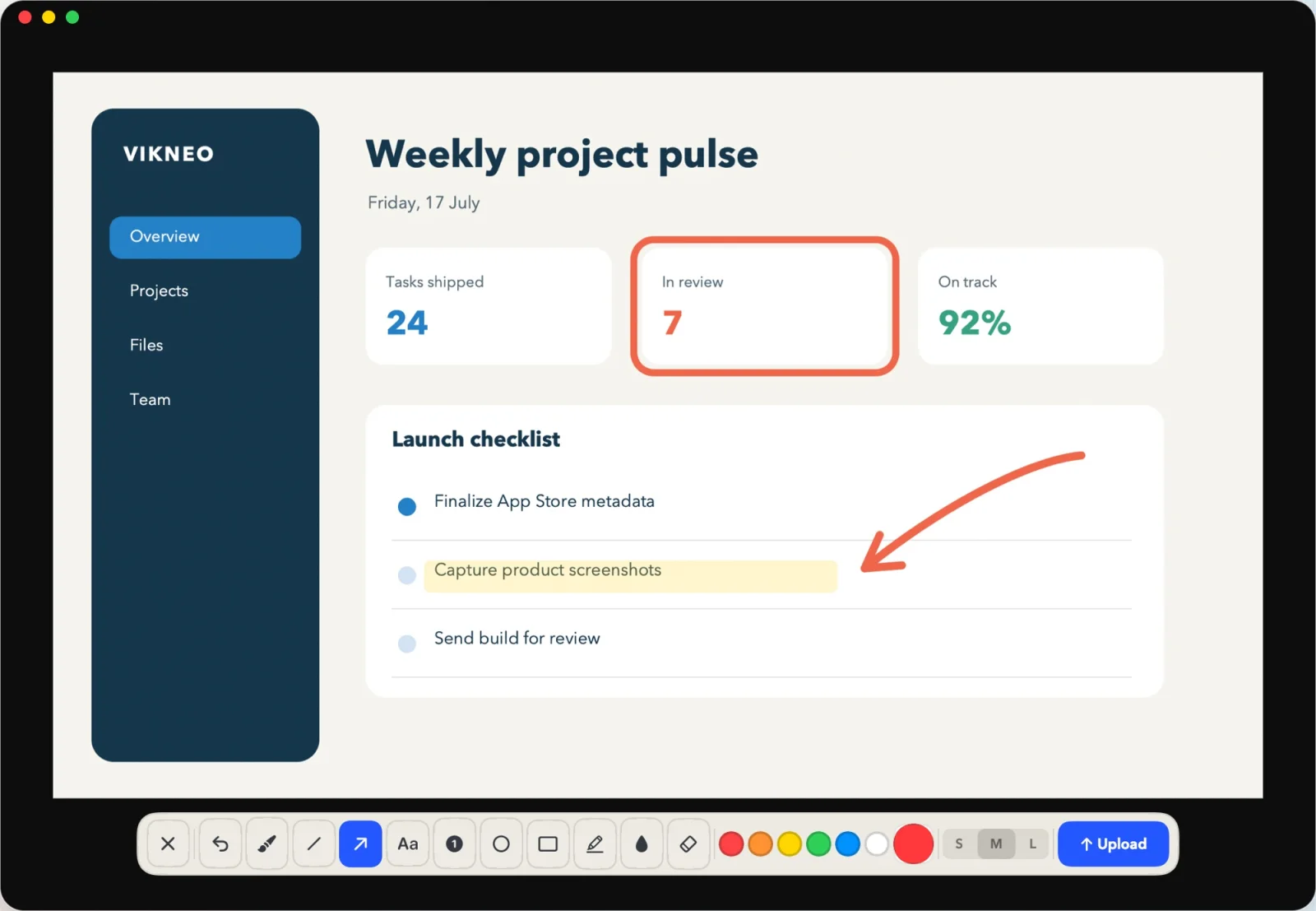
Vikneo uploads to your selected destination and puts the public URL on your clipboard automatically.
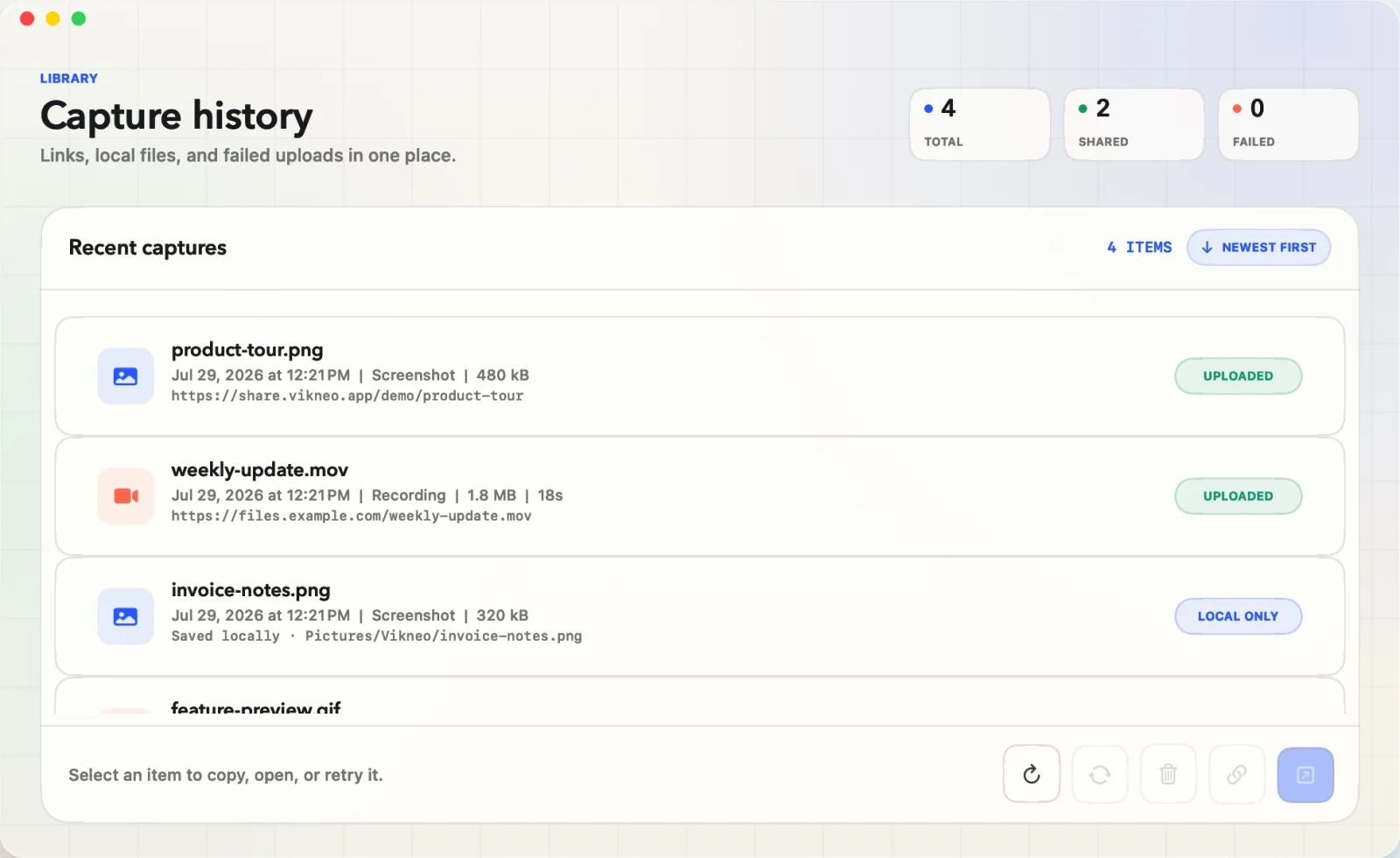
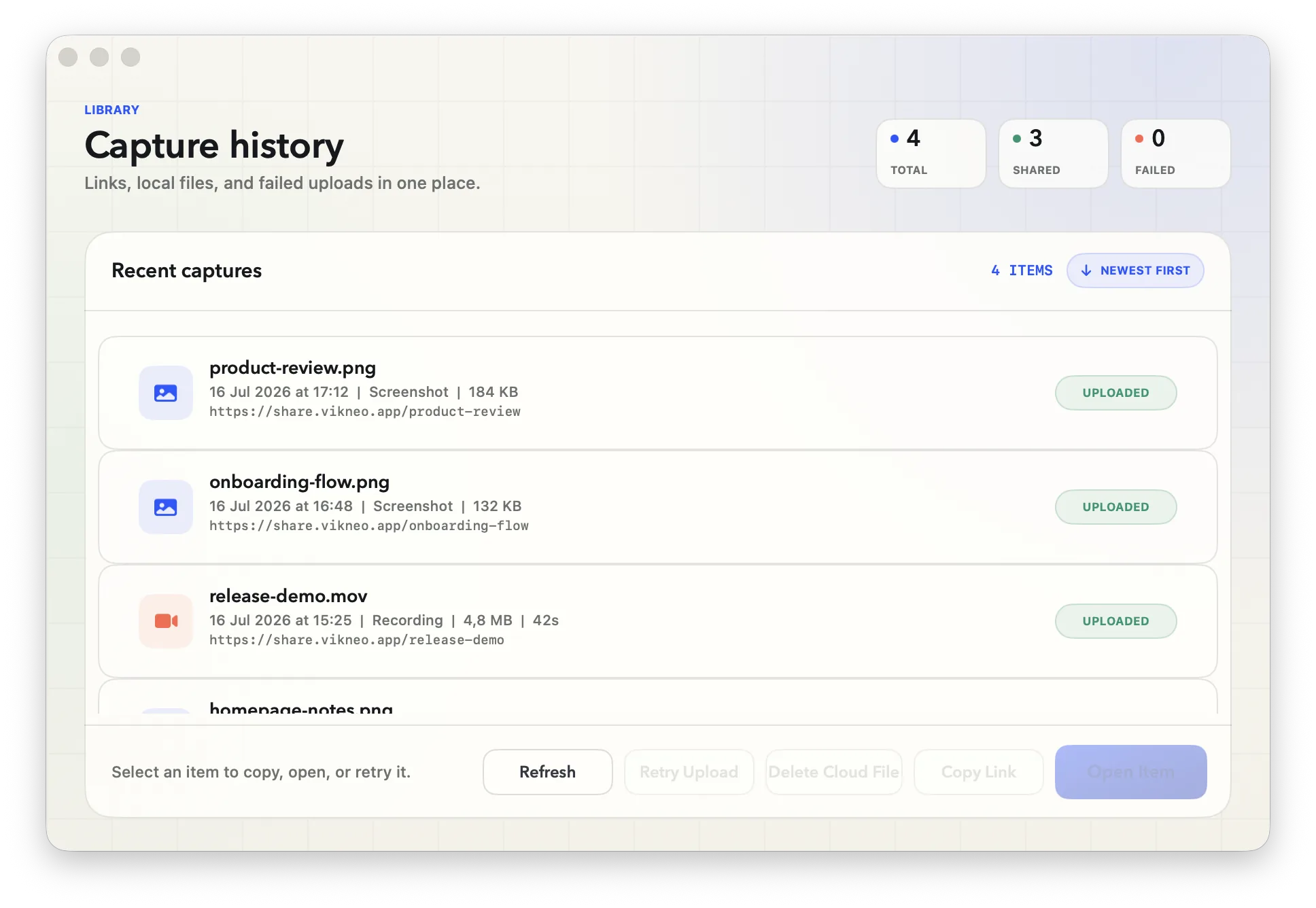
Local files, shared links, recordings, and failed uploads stay visible without opening a browser dashboard.
Vikneo keeps a local record of what happened after every capture, whichever destination you choose.
Use Vikneo Cloud when you want a link without managing infrastructure, keep files local, or send them directly to a server you control.
Plain FTP works too, but sends your password and files unencrypted. Use FTPS or SFTP when you can.
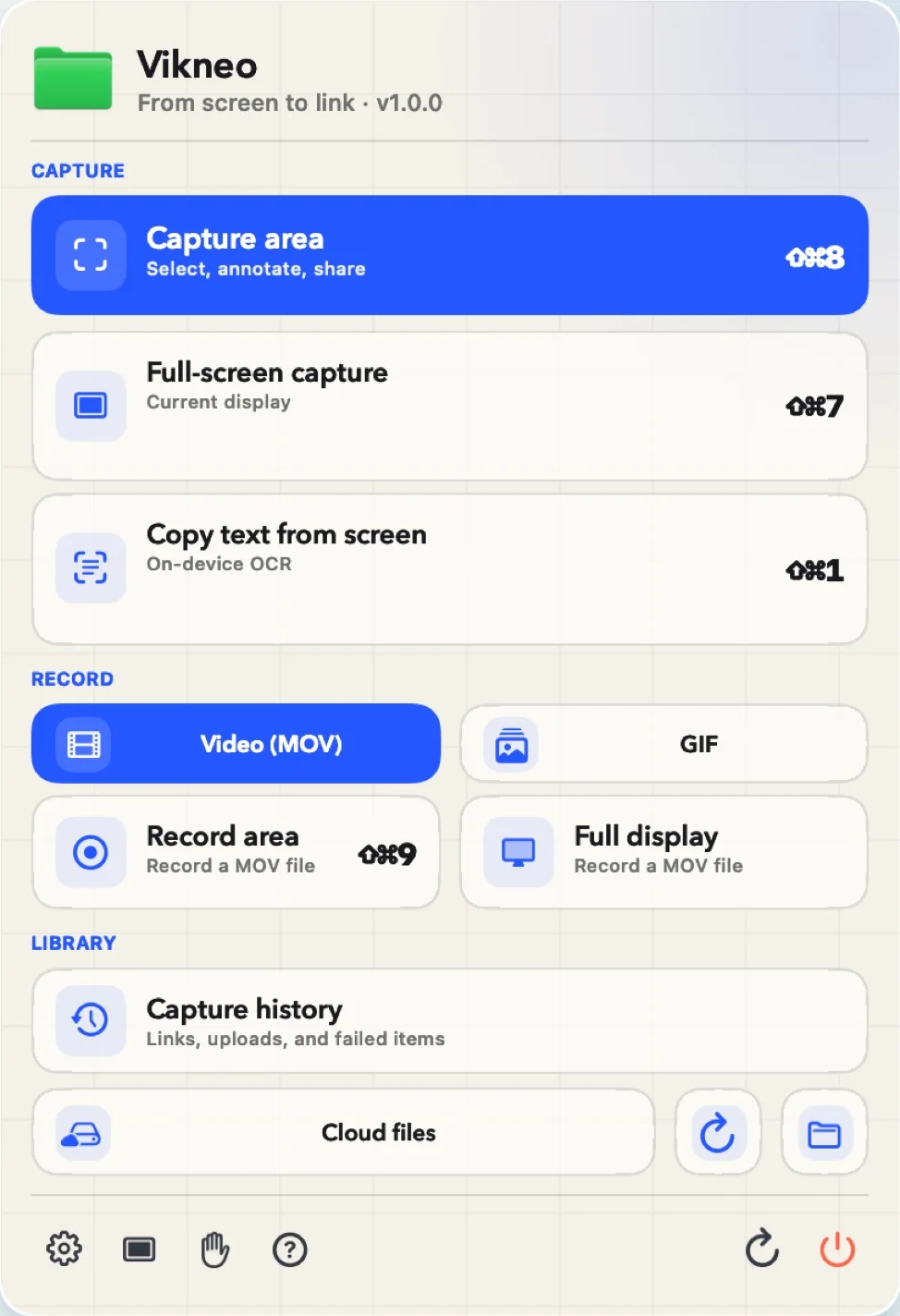
Capture the whole context, copy text you cannot select, or record a short walkthrough without changing tools.
Draw around text on screen. Vikneo recognizes it locally and puts it on your clipboard.
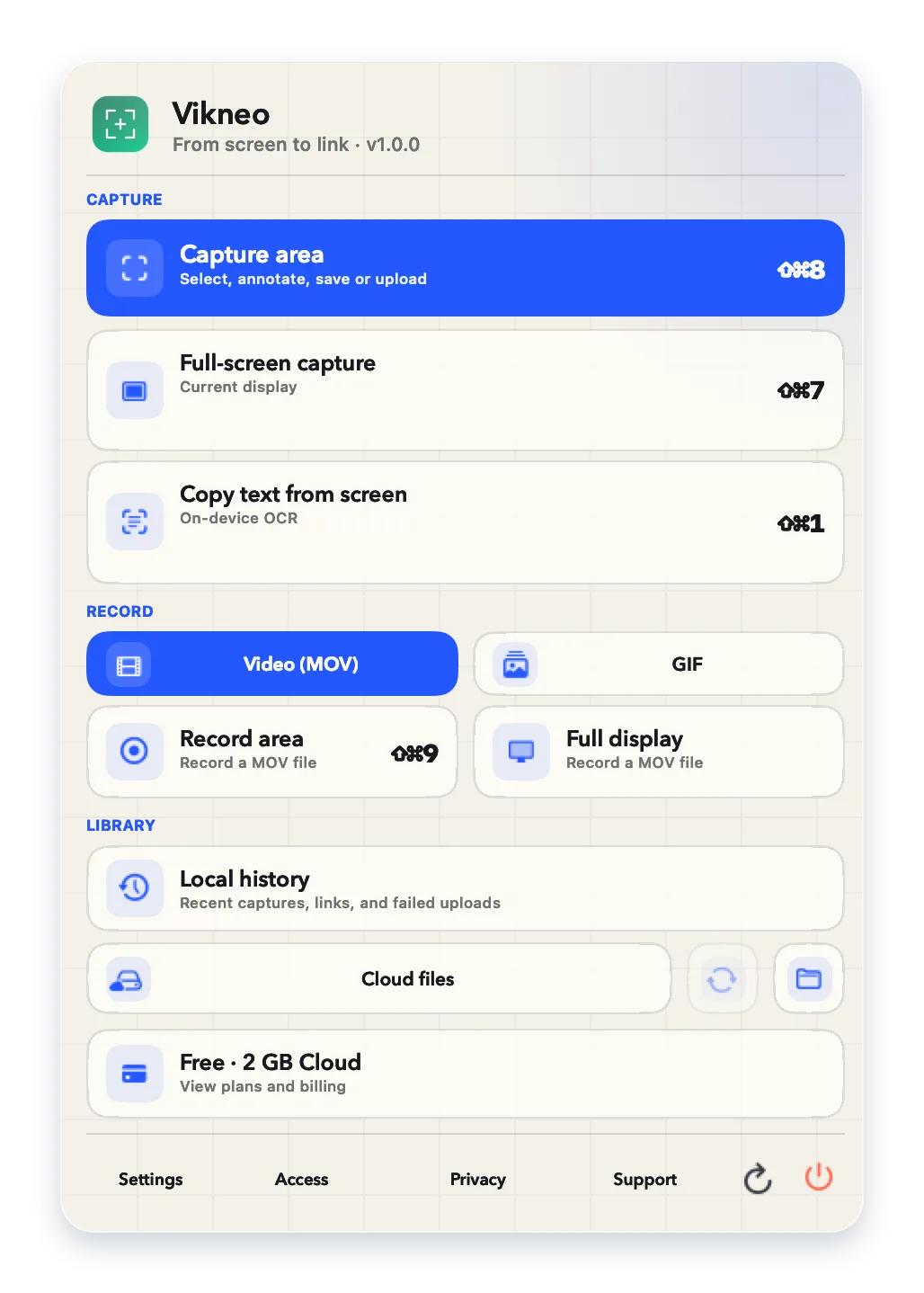
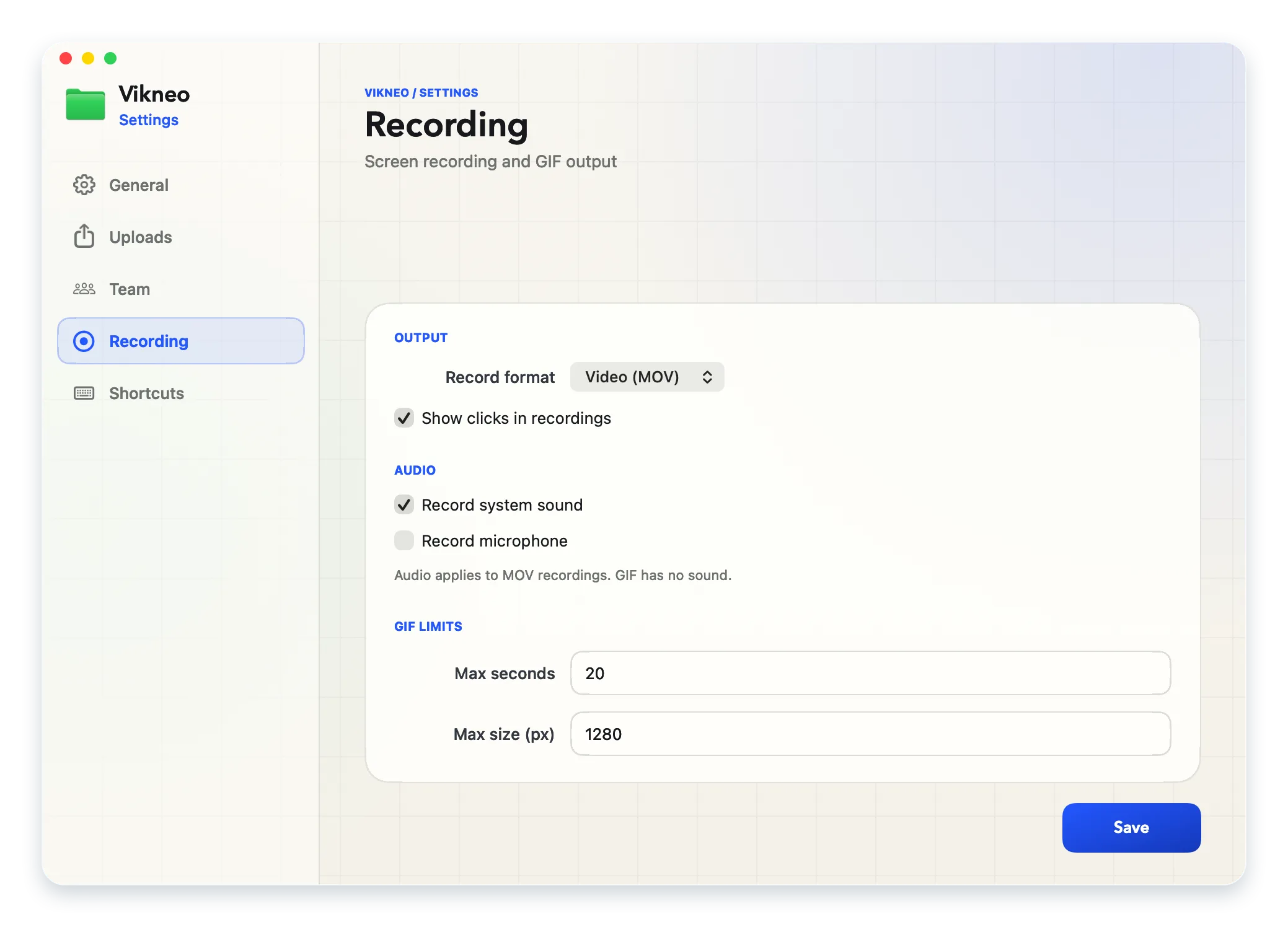
Record an area or full display, then upload it through the same private workflow.
Open recent captures, copy a URL again, or retry a failed upload from one place.
Vikneo has no analytics, advertising, or cross-app tracking. Cloud storage is optional; local-only and direct-to-your-server modes remain available.
Read the privacy policy ↗Vikneo is coming to the Mac App Store. Download it there, then activate paid plans inside Vikneo through Apple In-App Purchase. Reference prices are in USD; Apple shows your localized storefront price before purchase.
Real work, not a restricted demo.
More storage and room to record.
$24 billed yearly −33%
Your storage, domain, and limits.
$24 billed yearly −33%
Adds shared workspace and seats without replacing each member's personal plan.
$48/user billed yearly −20%
Minimum 2 seats · Fixed 2, 5, or 10-seat packages
No hidden capture quota. No separate commercial license.
Swipe sideways to compare every plan
| Plans overview | Free | Solo | Self-hosted | Team |
|---|---|---|---|---|
| Commercial use | ✓ | ✓ | ✓ | ✓ |
| Users | 1 | 1 | 1 | 2, 5, or 10 |
| Screenshots, markup, blur | ✓ | ✓ | ✓ | ✓ |
| Video and GIF recording | Unlimited | Unlimited | Unlimited | Unlimited |
| On-device OCR | ✓ | ✓ | ✓ | ✓ |
| Storage | 2 GB | 15 GB | 2 GB Cloud + your server | 20 GB / member |
| Single file limit | 200 MB | 3 GB | 200 MB Cloud · your server limit | 2 GB · 3 GB with Solo |
| Cloud links | No expiration | No expiration | No expiration | No expiration |
| FTP, FTPS and SFTP | — | — | ✓ | — |
Solo, Self-hosted, and extra Cloud storage are purchased inside Vikneo through Apple In-App Purchase, monthly or annually. Team is coming soon.
Everything else lives in the menu bar.
Yes. Commercial use is included in every Vikneo plan. Free is limited by Cloud storage, not by where you work.
Yes. Free includes 2 GB of Cloud storage, links without expiration, and uploads up to 200 MB.
Yes. Reference USD prices are $3 monthly or $24 yearly for Solo and Self-hosted. Apple shows the localized storefront price before purchase.
Team workspaces are coming soon to the Mac App Store; today you can choose Free, Solo, or Self-hosted.
Choose a $3 monthly or $24 annual subscription inside Vikneo. It unlocks FTP, FTPS and SFTP and keeps the Free 2 GB Cloud allowance with a 200 MB Cloud file limit. Own-server uploads use your server’s limits. Cancel anytime.
Screen Recording permission is required for user-triggered captures and recording. Microphone permission is requested only when you enable microphone audio.
Yes, if you turn it on. MOV recordings can include system sound and your microphone; both are off unless you enable them, and GIFs never have audio.
Always locally on your Mac and, when selected, in Vikneo Cloud or on the FTP, FTPS, or SFTP server you configure.
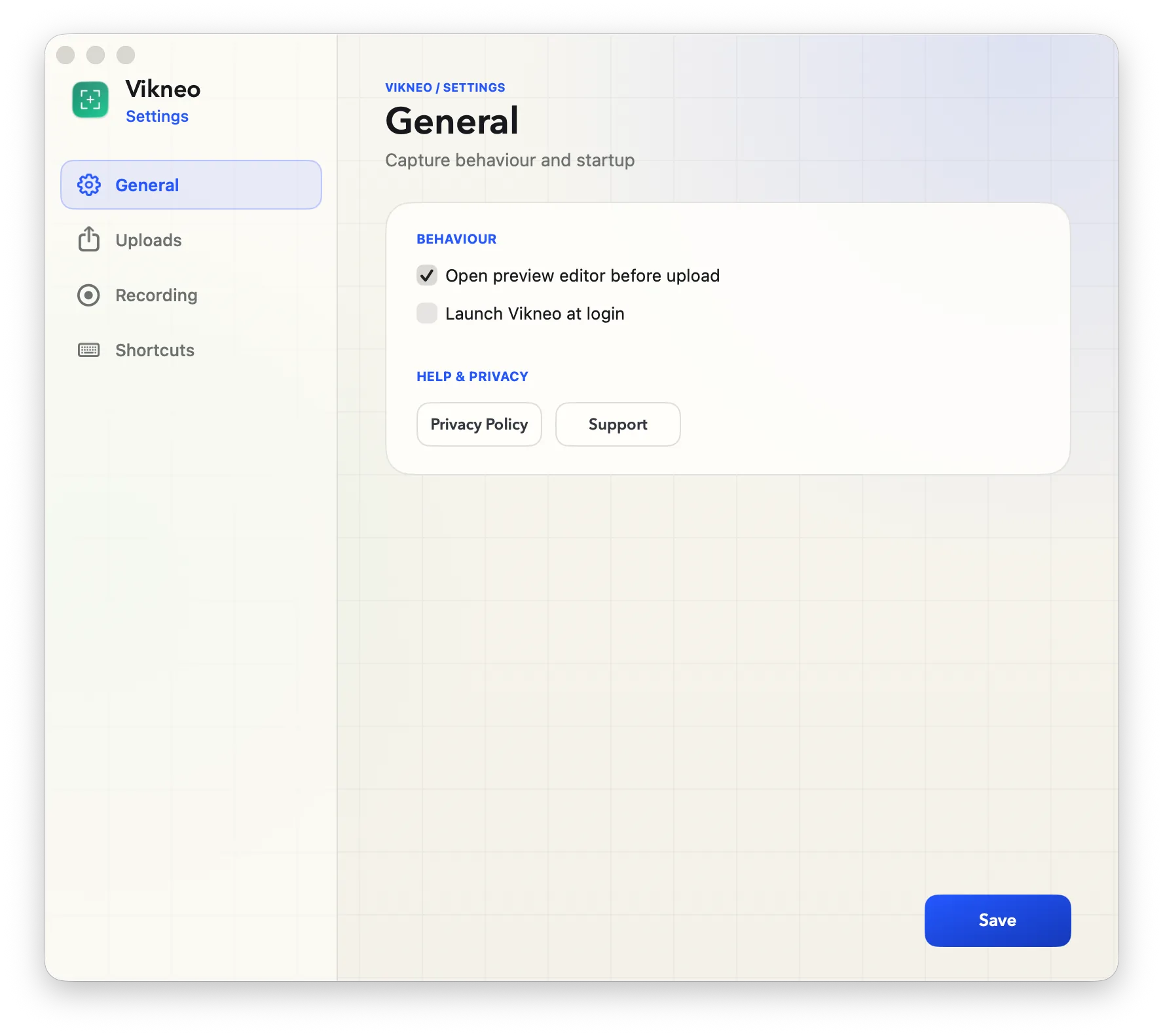
Yes. Area, full-screen, OCR, and recording shortcuts are configurable in Settings.
It is the version of Vikneo you download from our site instead of the Mac App Store. It has the same capture tools and supports the same FTP, FTPS and SFTP servers. Subscriptions are sold only in the Mac App Store version.